Article
How Does AI Find Your Website?
Learn how links, search indexes, sitemaps, crawlers, robots rules, and accessible pages affect whether AI assistants can discover and use your website.
# How Does AI Find Your Website?
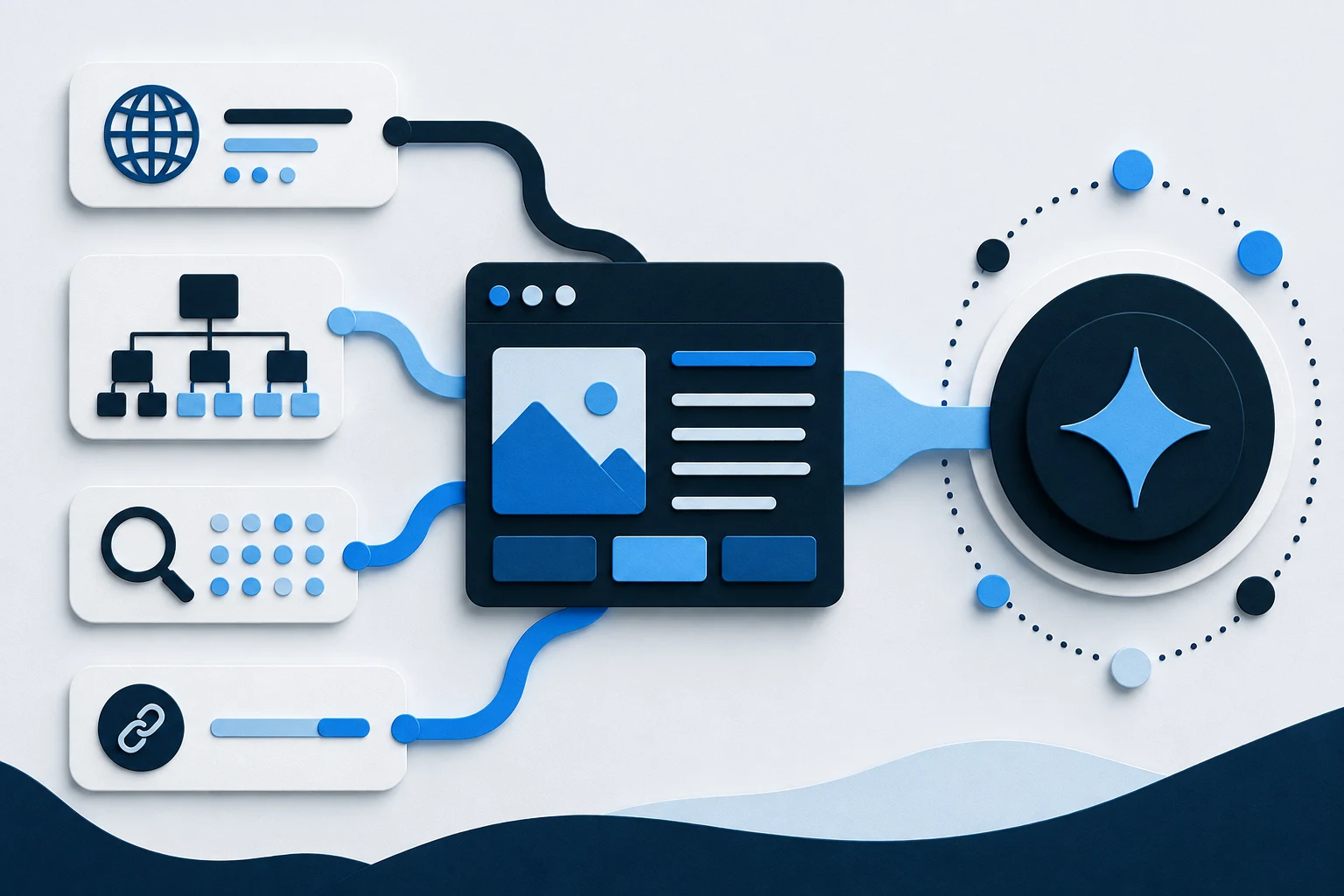
AI assistants can find a website through web search indexes, their own documented crawlers, links from pages they already know, sitemaps, or a visit triggered by a user. Finding a URL is only the first step: the system may still need permission to crawl it, the ability to read it, and a reason to use it for a particular answer. Discovery never guarantees indexing, citation, or recommendation.
Assistants use different sources and retrieval methods, not one shared “AI database.” A page may appear in one search experience, remain absent from another, or be fetched only from a link supplied by a user.
This article separates those stages so you can diagnose the right problem. Operational submission choices are covered in How to Submit Your Website to AI.
Separate discovery, crawling, indexing, and answer use
Four events are often collapsed into the word “found,” but they are not interchangeable.
Discovery means a system becomes aware of a URL. It might encounter the address in a link, sitemap, feed, browser action, or platform submission. At this point, it may know only the URL.
Crawling means an automated client requests the page and its resources. Access can fail because of robots rules, authentication, server errors, rate limits, network controls, or rendering problems.
Indexing means a search system processes what it retrieved and may store an interpretation in an index. Google describes crawling, indexing, and serving as separate stages and explicitly says a compliant page is not guaranteed to pass through them all.
Use in an AI answer is a further decision. An assistant may search or retrieve information for a specific question and choose sources it considers relevant and usable. A page can be indexed without being selected, cited, or recommended. Conversely, a user-triggered tool may fetch an exact URL without that URL having been discovered through ordinary crawling.
When troubleshooting, ask which stage failed. Absence from one answer does not prove the crawler never visited.
Links give crawlers paths to new pages
The web is discovered largely by following links. A crawler visits a known page, extracts eligible links, and adds new URLs to its work. That is why important pages should be connected through real navigation, category structures, related content, and contextual links.
Internal links help a crawler move from your home page to a category and then to individual products or guides. Descriptive anchor text also explains the relationship. “Waterproof hiking backpacks” gives more context than “click here.” Keep important destinations in normal HTML links instead of requiring a scripted gesture that some clients may not reproduce.
External links provide another discovery route and independent context. Accurate supplier pages, trade associations, genuine coverage, and business profiles are more useful than manufactured bulk links. A new domain can still be discovered, but may rely more on notification and sitemaps.
An orphan URL has no crawlable internal path. Listing it in a sitemap can help discovery, yet it remains hard for people to navigate and hard for a system to understand in the site’s hierarchy. Fix the linking structure rather than treating the sitemap as a substitute.
Sitemaps provide a map, not an admission ticket
An XML sitemap lists preferred URLs and may include metadata for certain content or localized versions. It is especially helpful for a new, large, or weakly linked site.
Google’s documentation is clear that a sitemap helps discovery but does not guarantee that every listed item will be crawled or indexed. The file also cannot make a broken page healthy. A URL that redirects unexpectedly, returns an error, requires a login, declares noindex, or points to low-value duplicate content remains problematic after it appears in a sitemap.
Keep the sitemap limited to preferred, public, indexable URLs. Use absolute URLs, update dates only after meaningful changes, and remove retired pages after their status is handled. Use search-engine reports to inspect processing errors.
Do not add drafts, internal results, carts, accounts, or every parameter variation. Describe the public site you intend to maintain.
Robots rules and indexing controls do different jobs
robots.txt tells compliant crawlers which URLs they may request. It is useful for managing crawl access, but it is not authentication and should never protect confidential information. A blocked URL can still be known from links, and Google warns that a URL may sometimes appear in results without a description even when crawling is blocked.
Indexing directives such as noindex address a different outcome. A crawler normally needs to fetch the page or response header to see that instruction, so blocking the same URL in robots.txt can prevent the instruction from being read. Password protection or proper authorization is the right control for private material.
AI services may publish separate user agents for separate purposes. OpenAI currently documents OAI-SearchBot for surfacing websites in ChatGPT search, GPTBot for content that may be used in foundation-model training, and ChatGPT-User for certain user-initiated visits. The controls are not interchangeable. OpenAI says ChatGPT-User is not an automatic web crawler and is not used to decide ChatGPT Search inclusion; because its visits are user initiated, robots rules may not apply in the same way.
Read current documentation, verify published IP ranges when required, and record the policy decision. An old generic blocklist may not reflect today’s intent.
Accessible content must survive the actual request
A crawler needs a successful response and meaningful content. Check what an unauthenticated visitor receives, not only what an administrator sees in a browser with cookies. Consent overlays, regional gates, anti-bot systems, CDN rules, and security challenges can turn a public page into an empty shell or an error for automated clients.
Modern search crawlers can render JavaScript, but rendering adds failure points. Keep essential titles, product facts, policies, and links in the response or a reliable rendered page. Test content that requires scrolling, clicking, or an API call.
Use text for facts a buyer needs instead of leaving them inside images or videos. Add useful alternative text and label tables, controls, and links clearly.
Keep canonicals, redirects, and language signals coherent. Duplicate product URLs and pages that mix languages are harder to classify and quote accurately.
Clear content helps a system understand what it found
Retrieval is not comprehension. A page titled “Our Solution” with slogans and unexplained images may be accessible yet provide little usable evidence. State what the page is about in its title and opening, then answer natural follow-up questions with specific, visible facts.
For products, include identity, category, intended use, important attributes, price, availability, variants, and conditions. For businesses, publish the real name, offer, service area, contact route, and policies.
Structured data can reinforce this visible meaning for systems that support it. It should describe the same entity and offer shown on the page. Valid markup does not guarantee indexing or an AI citation, and hidden machine-only claims undermine trust. Think of structured data as a label on an accurate box, not a way to replace what is inside.
Diagnose discovery with an evidence-based checklist
Choose one important URL and trace it from the outside in:
- Open the URL in a private browser window and confirm a successful, complete response.
- Check that the page is public, canonical, and free of an unintended
noindexdirective. - Confirm that at least one crawlable internal page links to it.
- Confirm that the preferred URL is present in the current sitemap when appropriate.
- Review
robots.txtfor the specific crawler you care about rather than only the wildcard rule. - Check CDN, firewall, and server logs for the documented user agent and verified network source.
- Compare raw or rendered content with what a customer sees; look for missing text or blocked API calls.
- Inspect the page in the relevant search-engine webmaster tool when access is available.
- Search for exact brand and page queries, but treat the result as an observation, not a complete index audit.
- Record the date, tool, URL, response, and next test so later changes can be compared.
This sequence separates technical access from content selection. If the page is fetched and indexed but not used for a particular question, the next investigation concerns relevance, evidence, freshness, and competition—not crawler access alone.
Avoid these common discovery mistakes
Do not treat robots.txt, a sitemap, and noindex as three versions of the same switch. Do not put secrets behind a robots rule. Do not submit URLs that redirect through several hosts or depend on a logged-in session. And do not assume that allowing a training crawler controls search appearance.
Do not monitor only a brand-name prompt. Test realistic customer questions and record whether the page was found, cited, or ignored. These are dated observations, not stable rankings.
Avoid changing many variables at once. If you modify robots rules, rendering, canonicals, content, and internal links on the same day, you will not know which change affected retrieval. Keep a change log and allow for platform processing time without promising a fixed date.
Frequently asked questions
Can an AI assistant find a website that is not on Google?
Possibly. An assistant may use another search provider, its own crawler, an exact link supplied by the user, or a connected tool. Availability outside Google does not guarantee the page will be selected for an answer, and each service has its own access and retrieval rules.
Does a sitemap make my website visible to AI?
No. A sitemap can help supported crawlers discover preferred URLs, but it does not guarantee crawling, indexing, citation, or recommendation. The pages must still be accessible, readable, useful, and permitted for the relevant crawler.
Is crawling the same as indexing?
No. Crawling is the act of retrieving a page. Indexing is the later decision and process of analyzing and storing information from it. A crawled page may not be indexed, and an indexed page may not be used in a particular search result or AI answer.
Does blocking GPTBot remove my site from ChatGPT search?
OpenAI documents GPTBot and OAI-SearchBot as separate controls. GPTBot concerns content that may be used in foundation-model training; OAI-SearchBot is the documented control for ChatGPT search crawling. Check OpenAI’s current crawler documentation before setting your policy.
How long does it take for AI to find a new page?
There is no dependable universal time. Discovery and processing depend on the system, links, sitemap handling, crawl scheduling, server access, content quality, and other factors. Submission or crawler access should not be presented as a promise of inclusion by a particular date.
Sources
- Google: How Search Works
- Google: What Is a Sitemap?
- Google: Introduction to robots.txt
- Google: SEO Guide for Web Developers
- OpenAI: Overview of OpenAI Crawlers